
Checkweigh Audit Station
Add a camera and scale to your pack stations to perform weight audits on every order. Mispicks get caught before shipping labels print.
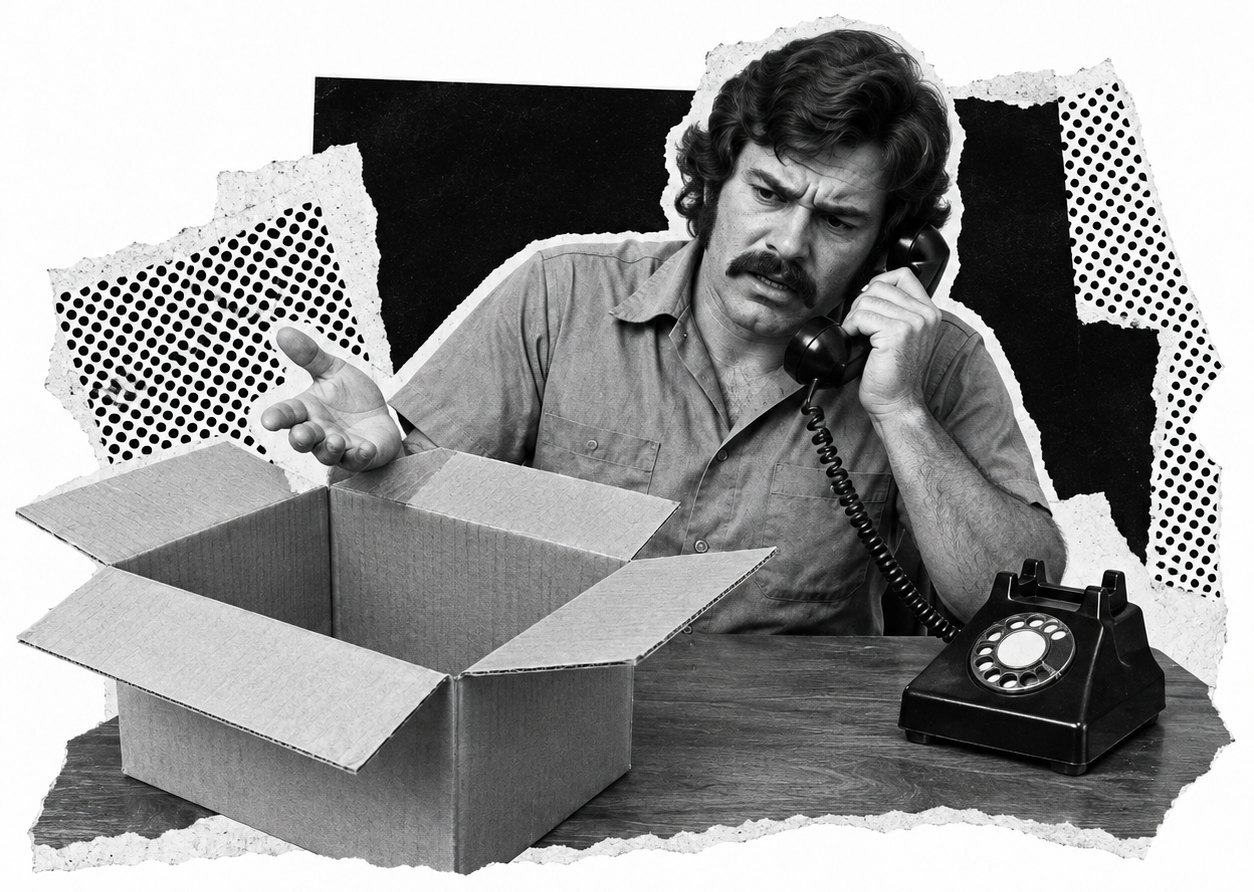
Quality Control At Every Pack Station
Packchain’s QC Console records each check with the time, the station, and the packer. The system keeps photos, weight audits, barcode scans, and carton dimensions for every order. If a carton fails, shipping labels can’t print until it’s fixed and QC Console makes quality control easy.
How Product Weights Help You Audit Every Order
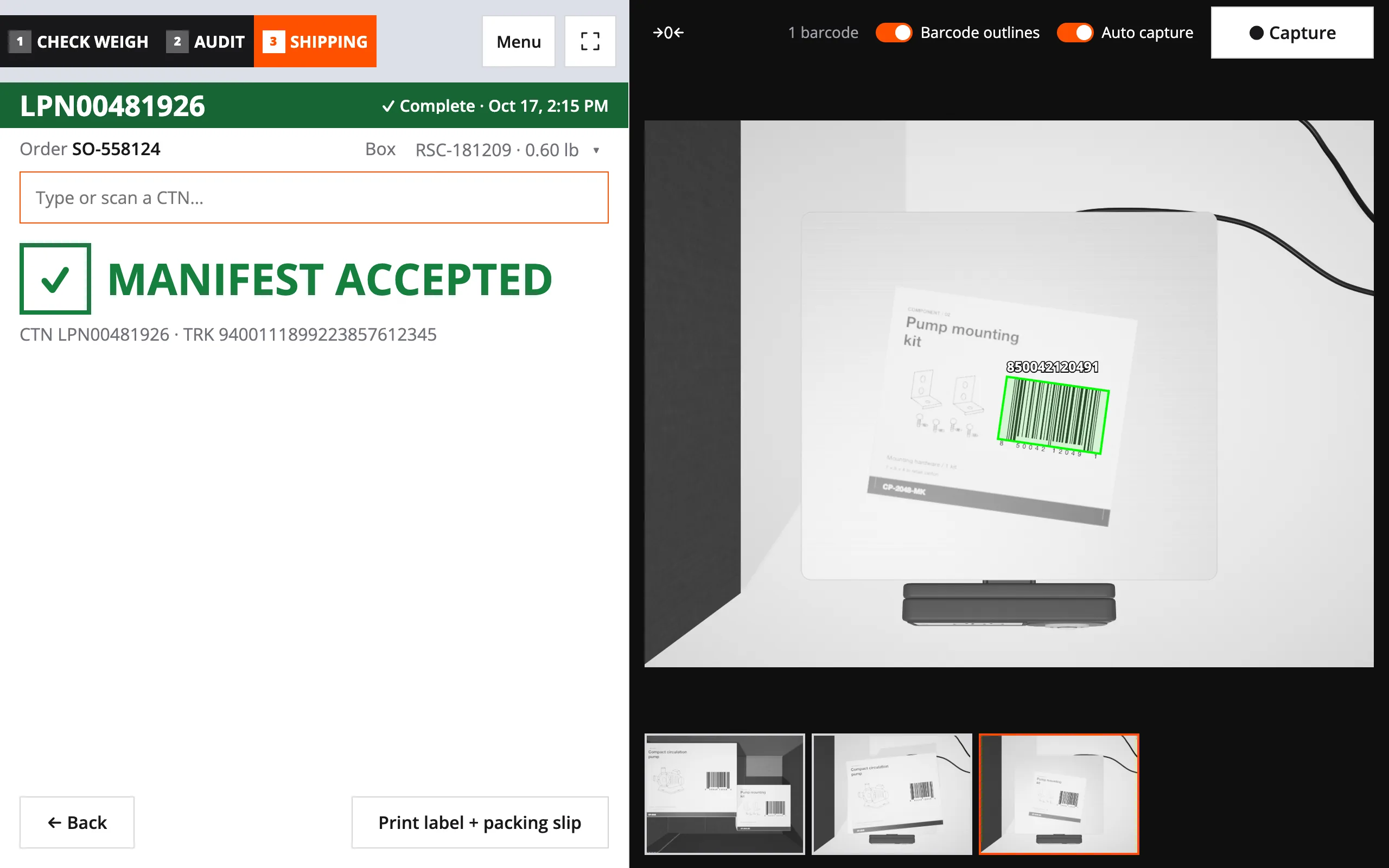
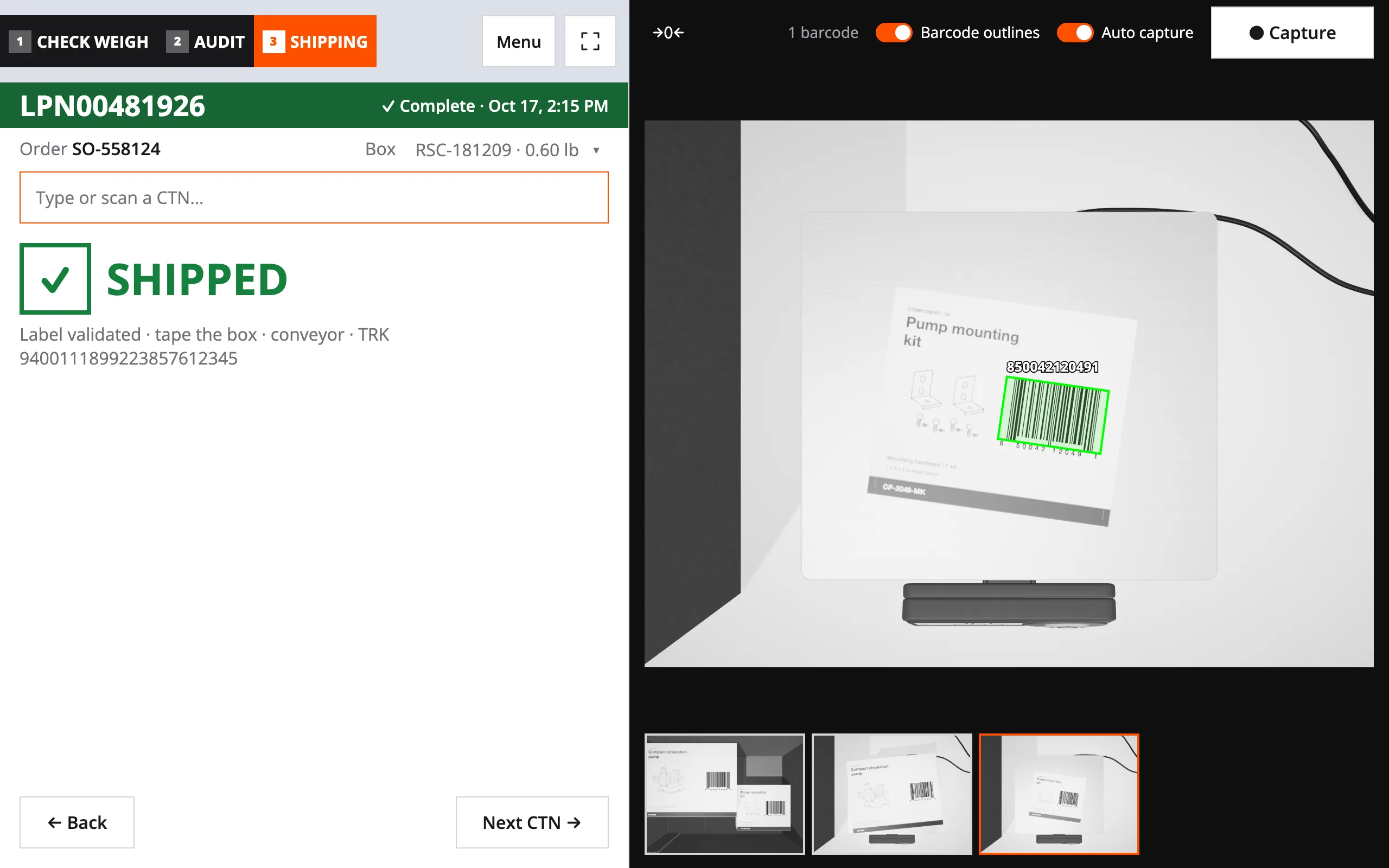
The scale weighs each packed order and compares it to the combined carton and product weights. That comparison decides whether the label prints.
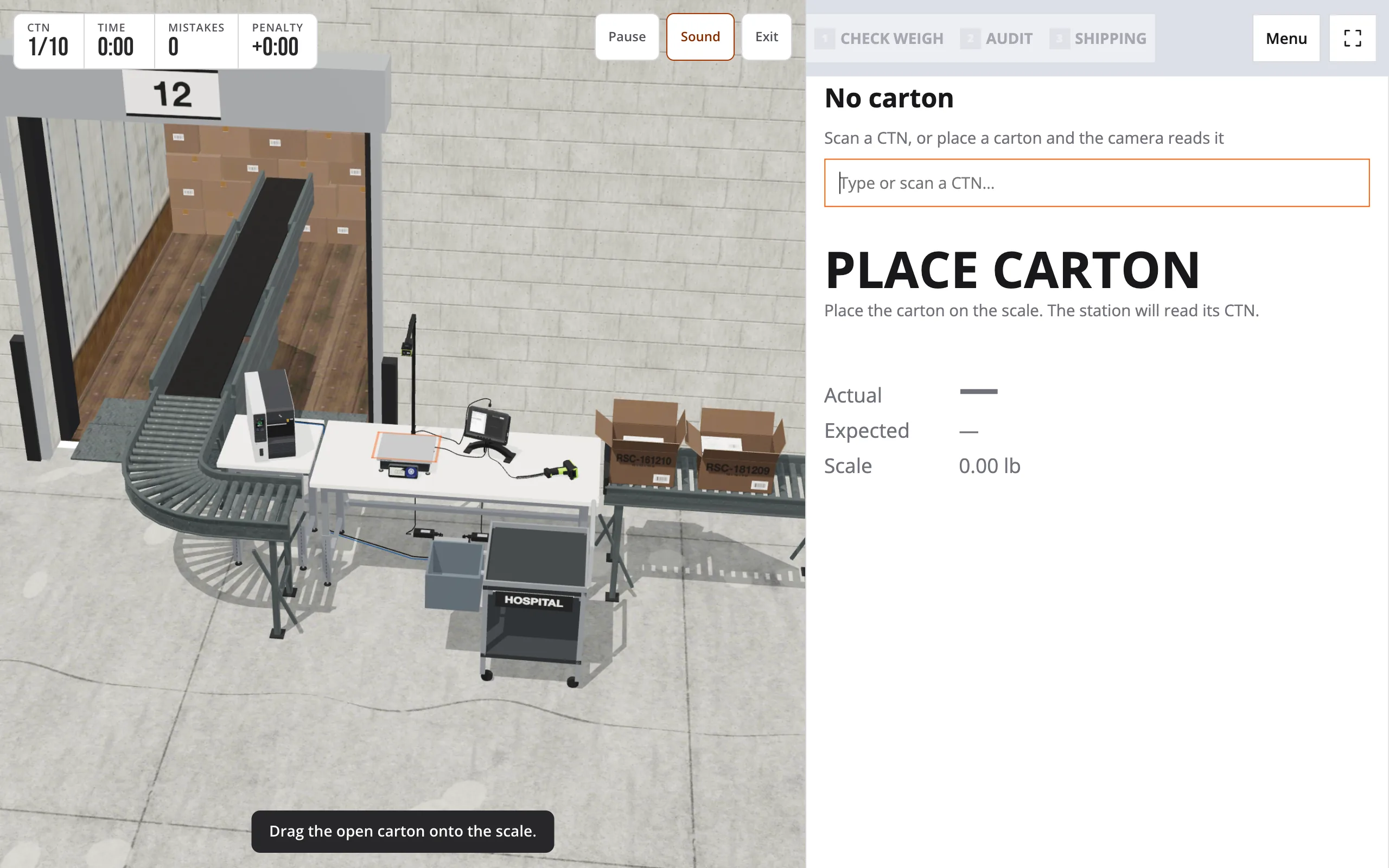
Illustration of how packchain's QC Console works.
Scan the Order
The packer scans the carton and the box. Packchain pulls each product's weight from your warehouse management system.
Weigh It Open
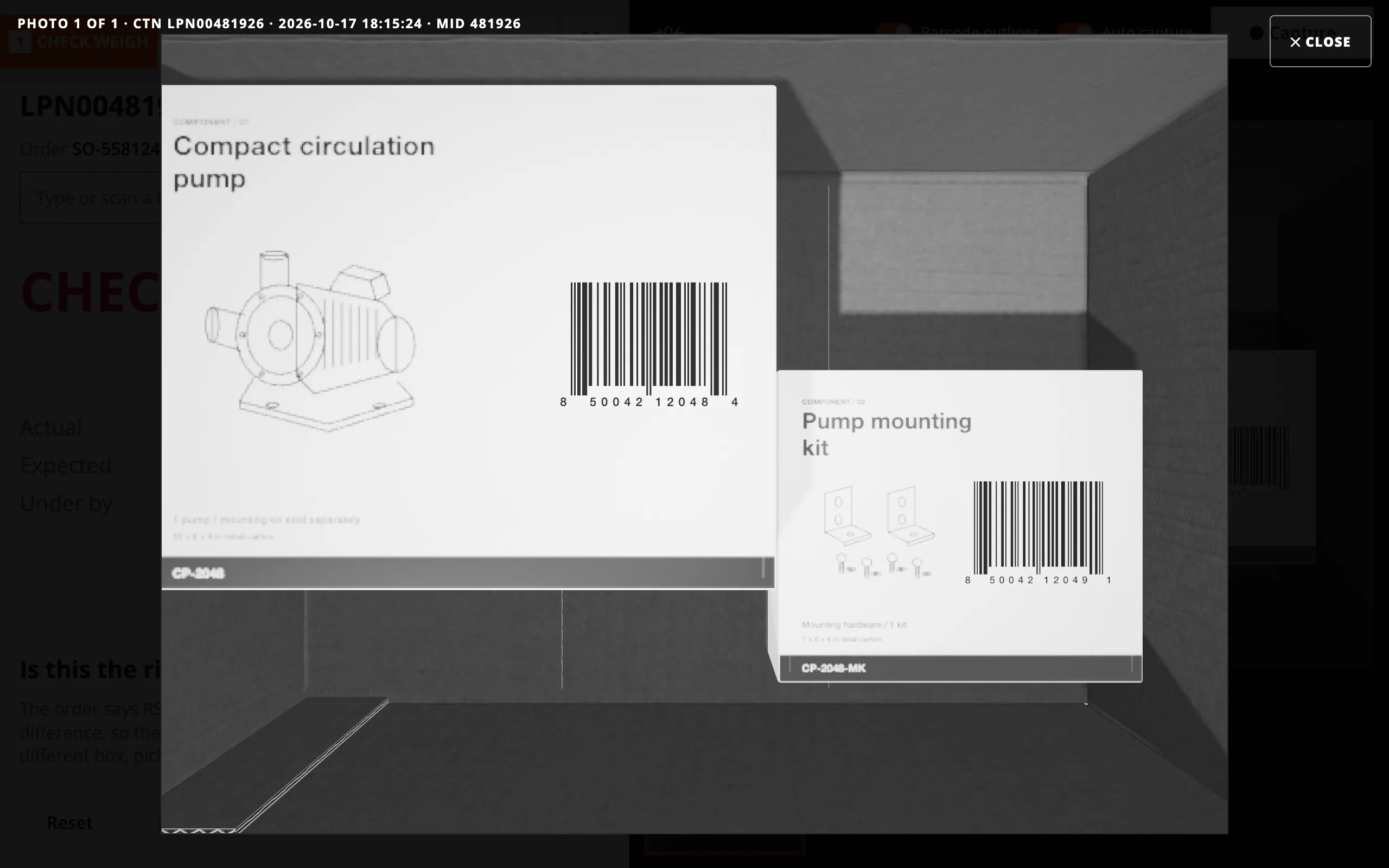
The carton sits open on the scale, flaps up. The overhead camera takes a photo of what's inside.
Compare
Packchain multiplies each product's weight by its quantity and adds the box. Then it compares that total to the scale reading.
Print or Hold
A pass releases the shipping label, and nobody presses a button to get the result. A fail holds the label and locks the screen.
The default allowance is plus or minus 2%, and you can change it. We can also tune the allowance by carton weight for your site.
Pack verification is also called order verification. Our pack verification page explains the method in full.
What Happens When a Carton Fails the Weight Check?
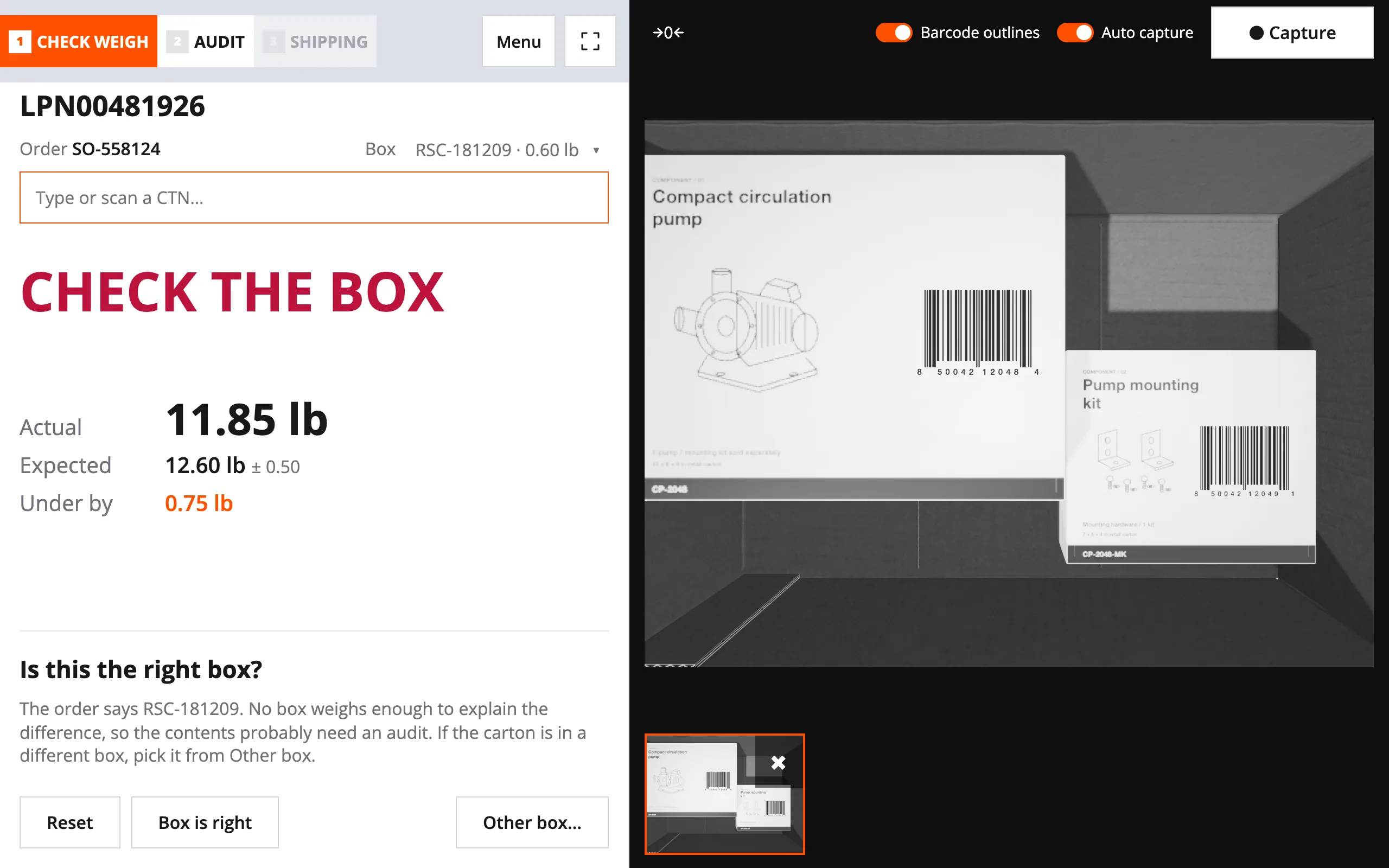
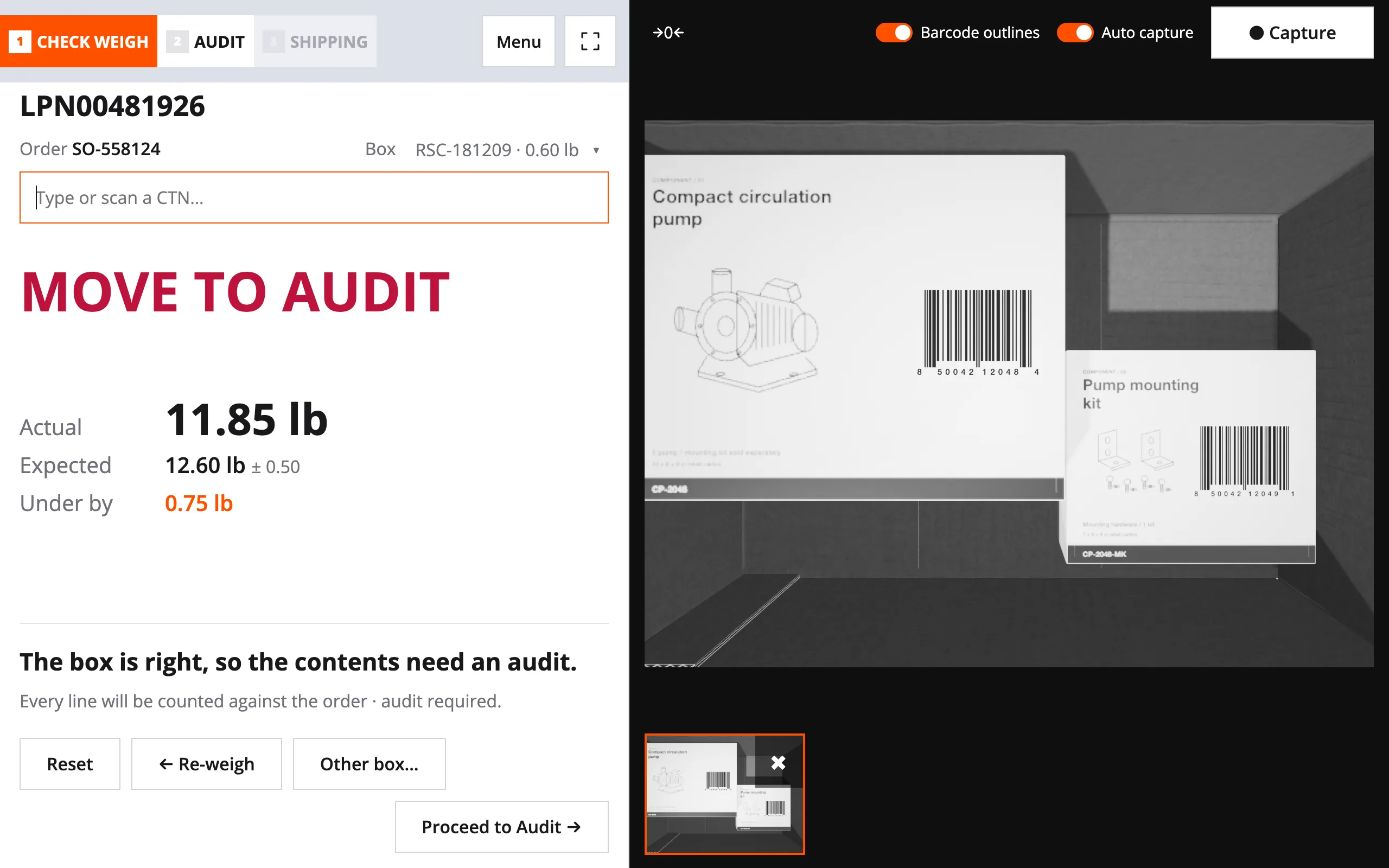
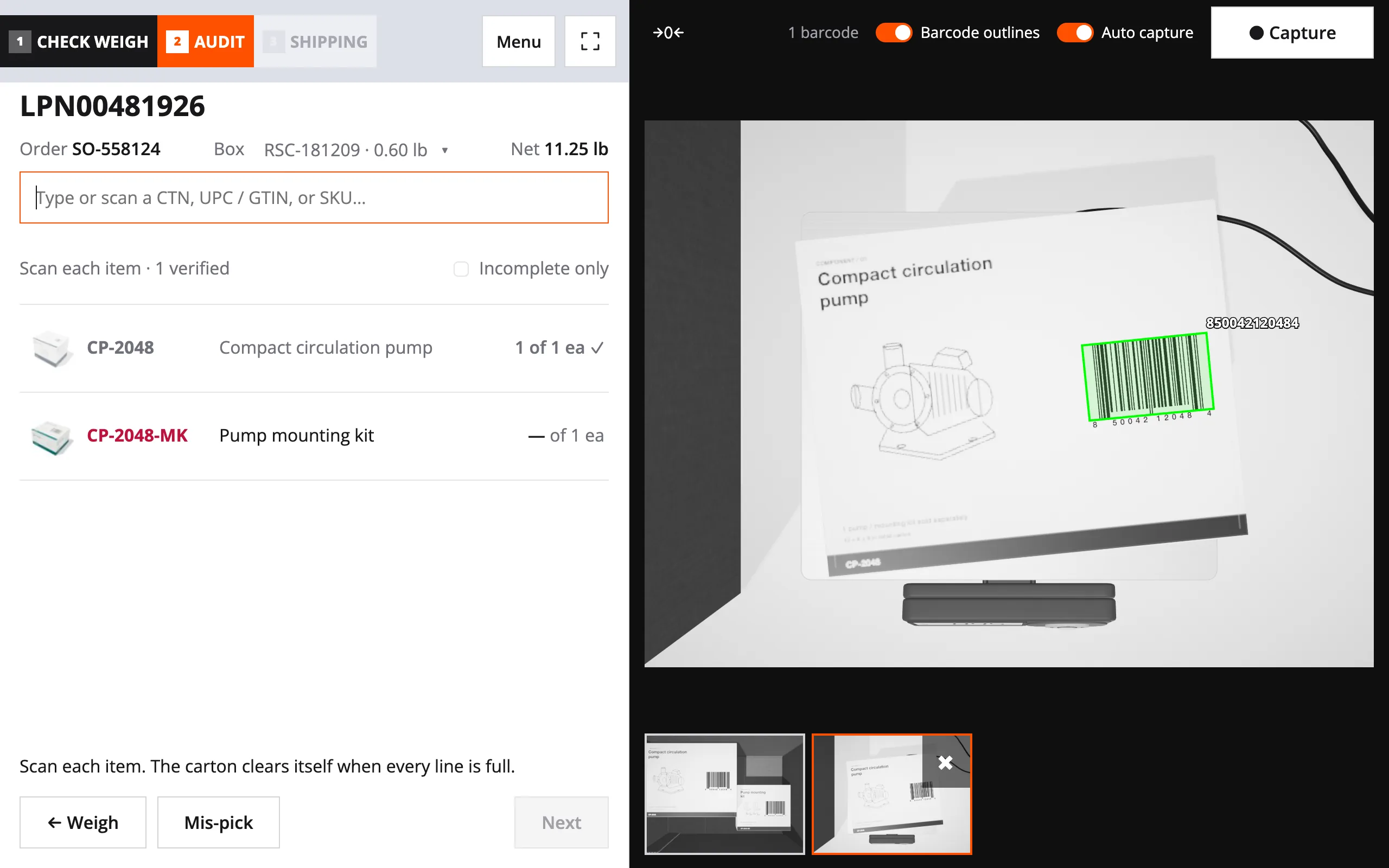
The station asks about the box first. Then the packer scans each item on the same screen to find the cause.
Check the Box
A wrong box changes the expected weight. So the screen asks if the box is right, and it suggests the box the weight points to.
Scan Each Item
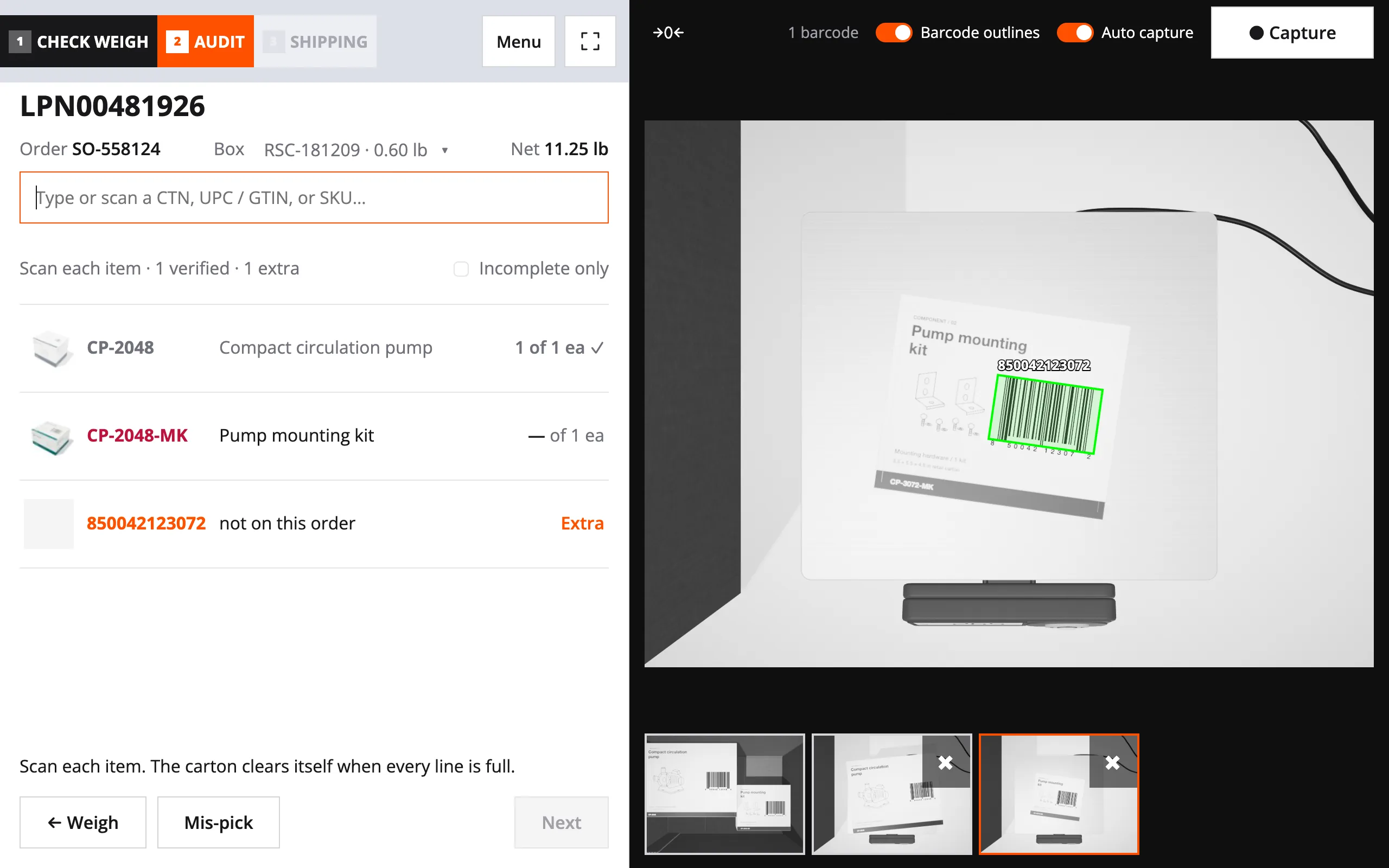
If the box was right, the packer scans every item on the same tablet. The station counts each scan against the order.
Wrong Items
That's a picking error. The packer swaps in the right items, and the carton goes back on the scale.
Right Items, Wrong Weight
The items are right, so a product record is wrong. The station flags those products to be measured again, and the label prints.
A carton that passes needs nothing more from the packer. Only a failed carton asks for extra work.
When the right items fail, the item scan points to the product with the bad weight. Packchain’s Self-Healing Item Master fixes records like that after a person approves each fix. We’re extending it to the station’s findings now.
One packer can handle both jobs at one warehouse packing station. Some sites send failed cartons to a separate station instead. See how Packchain keeps product data right.
Which Station Fits Your Pack Line?
Every station type connects to packchain’s QC Console and works inside your existing workflows. We don’t sell hardware, but we can make recommendations to meet your budget. And in most cases, packchain can connect to hardware you already own.
Audit Station
Adds an overhead camera to the printer, computer, and scanner your pack station already has. It records a scan and a photo of every packed order, so you can answer claims.
Checkweigh Audit Station
Adds a scale and an overhead camera to the printer, computer, and scanner you already have. It weighs every order, and only the failures go to a person.
Checkweigh Audit Plus
Adds a scale and a camera, and connects the package dimensioner you already own. A packer can measure a product at the station.
Catch Mispicks with QC Console
Run cartons through a checkweigh audit pack station with QC Console. Catch mispicks, and flag the product weights your item master needs to fix.
Frequently Asked Questions
Learn more about converting your packing stations to Checkweigh Audit Stations.